Free & Unlimited

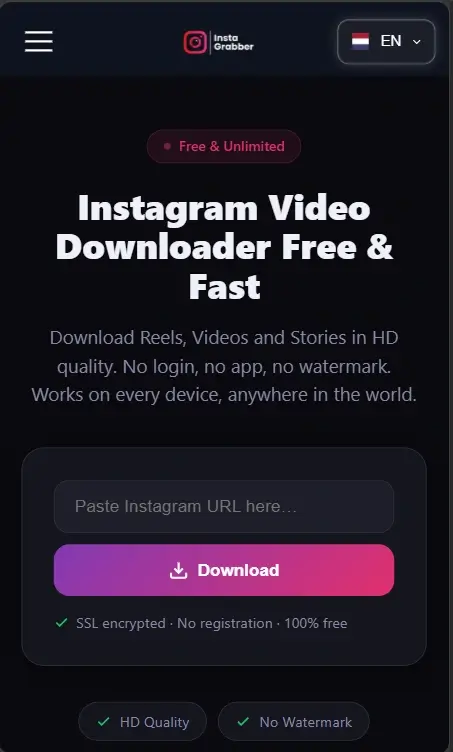
Instagram Video Downloader Free & Fast

Download Reels, Videos and Stories in HD
quality. No login, no app, no watermark.
Works on every device, anywhere in the world.

SSL encrypted · No registration · 100% free

HD Quality
No Watermark
No Login
All Devices
100% Free

What was the need that made me create this tool?

One night, after a small fight with my girlfriend, things got a bit tense between us. I was scrolling through Instagram and came across some reels that perfectly expressed what I was feeling, videos I really wanted to send her to show that I still cared and was there for her.
But the problem was, I couldn’t download those reels. I kept going to Google again and again, trying different methods, wasting so much time, but nothing worked. And in that time, things got worse, she even blocked me.
Later, I managed to fix things between us, but that moment stayed with me. I realized how frustrating and time-consuming this simple problem can be. That’s when I decided to build a tool that makes downloading reels quick, easy, and reliable so no one else has to go through the same struggle.
What was the need that made me create this tool?

How to Download Instagram Videos

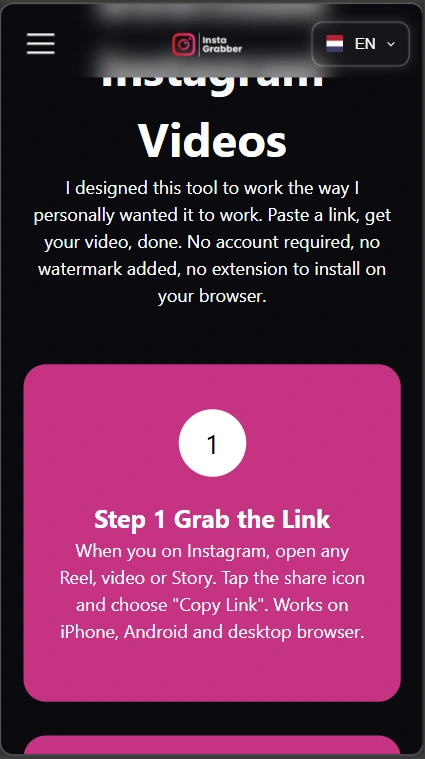
I designed this tool to work the way I personally wanted it to work. Paste a link, get your video, done. No account required, no watermark added, no extension to install on your browser.

Step 1 Grab the Link

When you on Instagram, open any Reel, video or Story. Tap the share icon and choose "Copy Link". Works on iPhone, Android and desktop browser.

Step 2 Link paste here

Come to this page and paste that link in the input box. My tool reads the URL and finds the original video file Instagram stored on their servers.

Step 3 Download In Seconds

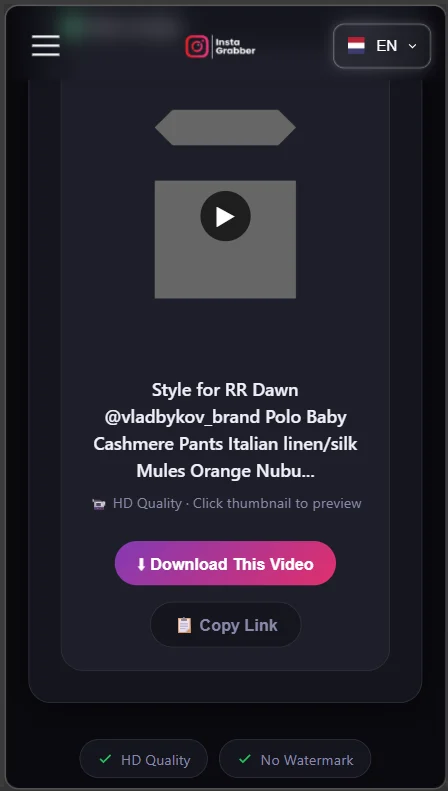
Hit the Download button. No signup form. No email required. No watermark added. Just your video, saved clean in your downloads.

Understanding Instagram Grabber & Its Features

I created this tool so it can support more than 30 languages. You have multiple language options available, and you can select any language to read, explore, and understand the data to see what it contains and how it works. Now, I’m going to talk about the features of Instagram Grabber. I will go through each point one by one and highlight how everything works.

Multi-Language Interface Overview

First of all, let’s take a look at how multiple languages are being handled in our application.
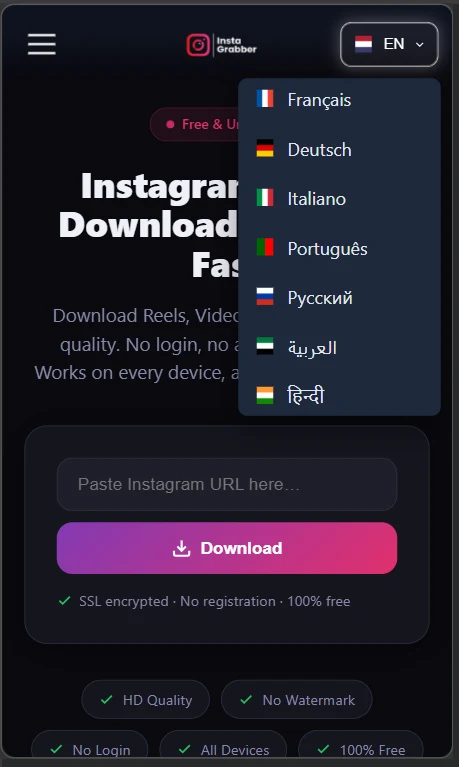
If you are viewing it on a mobile or a tablet, you will notice that the language section appears on the right side, from where the languages start.

Multi-Language Interface Overview

Language Selection & Auto Conversion

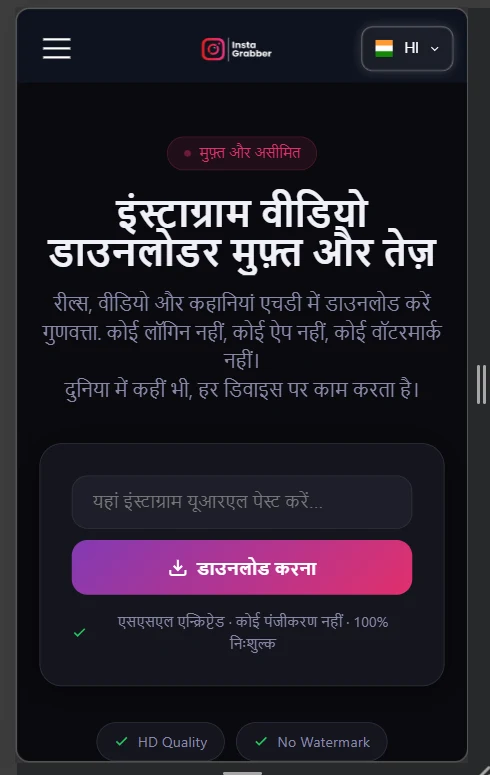
I selected a language — for example, Hindi.
As soon as I selected Hindi, the entire app’s language was instantly converted into Hindi.

Language Selection & Auto Conversion

Responsive Design Across All Devices

My app is designed to work perfectly on all devices whether it’s a desktop, mobile, or tablet.
It has a fully responsive layout that adapts smoothly to every screen.

Responsive Design Across All Devices

Fast Downloading & Efficient Design

Another key point is how this is designed on my developed website.
It allows you to quickly download any publicly available content or post in a very short time.
The downloading process is fast and does not take much time.

Fast Downloading & Efficient Design

Frequently Asked Questions About Insta Grabber

Got a quick question before downloading? You’re not alone. Many users—new and regular—often wonder how things work, what’s allowed, and how to get the best results. That’s why we’ve put together this simple FAQ section. No complicated terms, just clear answers to help you save Instagram videos easily and without any hassle.

What is an Instagram Video Downloader and how does it work?
Do I need to log in or create an account to use this tool?
Can I use this Instagram downloader on my mobile or tablet?
Does this tool support multiple languages?
Can I download private Instagram videos or posts?
How long does it take to download an Instagram video?
Is it safe to use this Instagram Video Downloader?
Do I need to install any software or app to download Instagram videos?
What types of Instagram content can I download?
Why is the language option showing on the right side on mobile?

Latest Articles & News

Stay updated with our latest blog posts, trading tips, and platform updates.

The Idea Behind InstaGrabber

Honestly, this tool came out of my own personal frustration. Every time I wanted to download an Instagram video, I had to go through the same annoying process — copy the URL, search for a downloader, paste the link, and half the time it would not even work properly. It was wasting my time and I was tired of it.
So I decided to build my own solution. I developed InstaGrabber from scratch with my own idea and my own hands. My goal was simple — create something that actually works, works fast, and works for everyone.

Visit My blogs
Mobile app interface preview